
Four card types
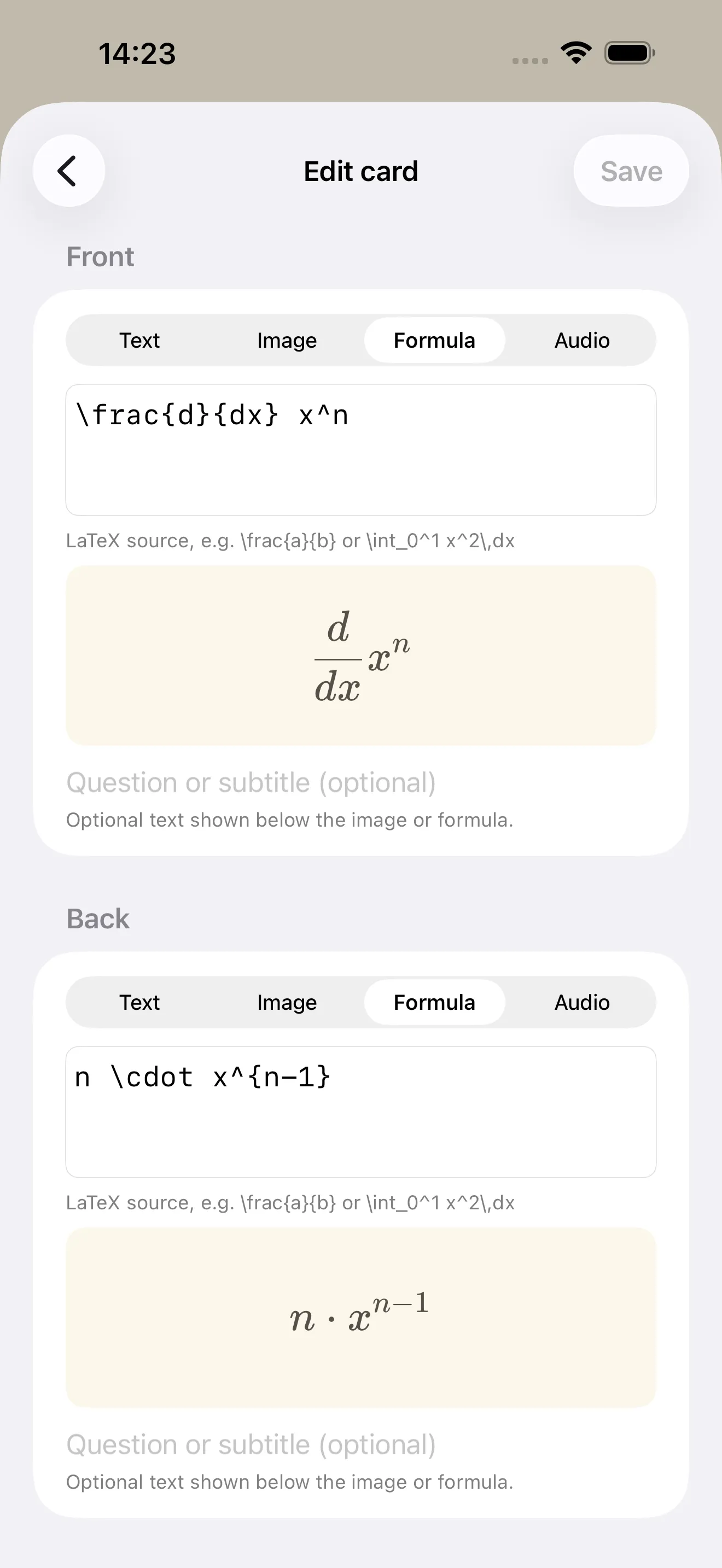
Text, image, formula (LaTeX), or audio — every card face shows exactly what fits the material.
Pyramind brings the learning pyramid to iPhone and iPad: your flashcards travel across a stone pyramid — cards you know climb up, cards you don’t slip back down. You always see exactly where you stand.
 Coming soon to the App Store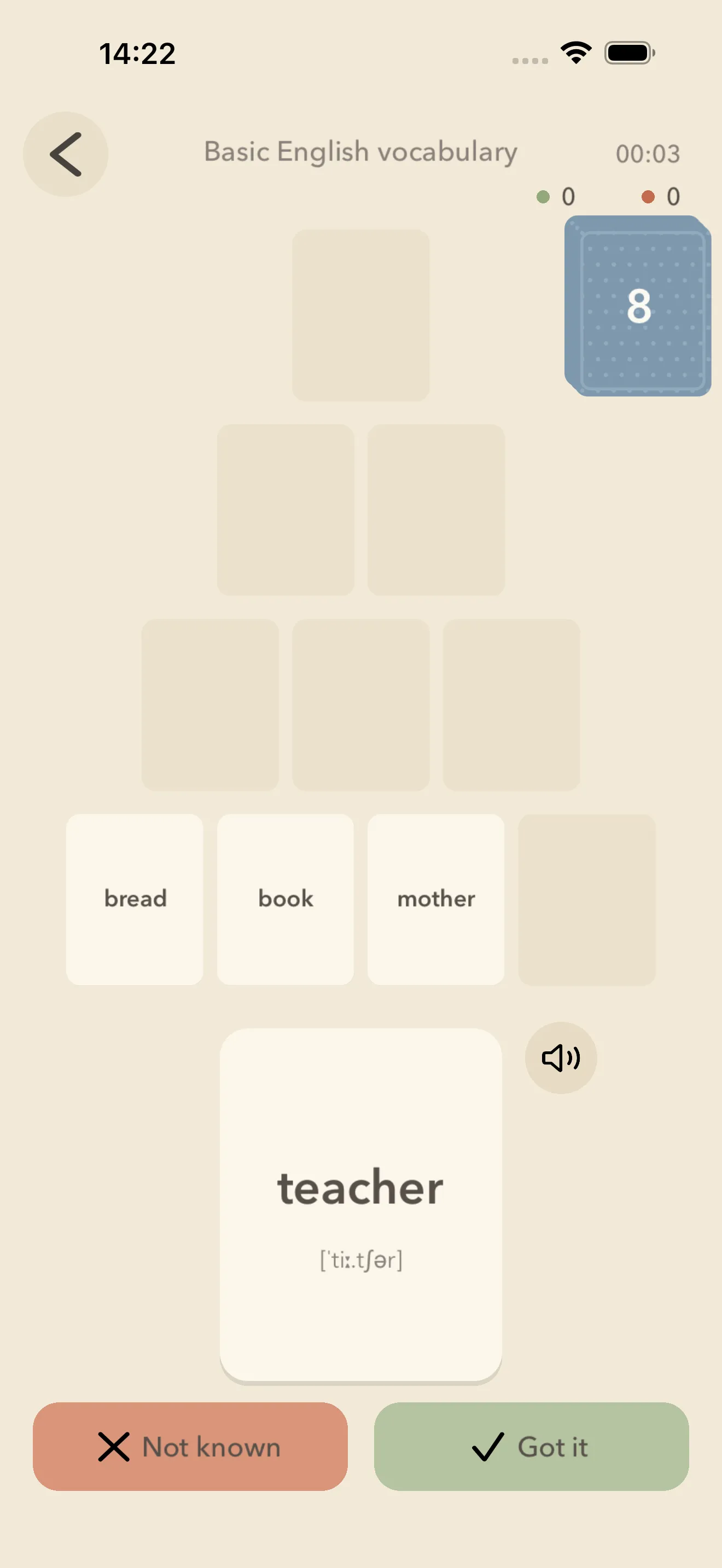
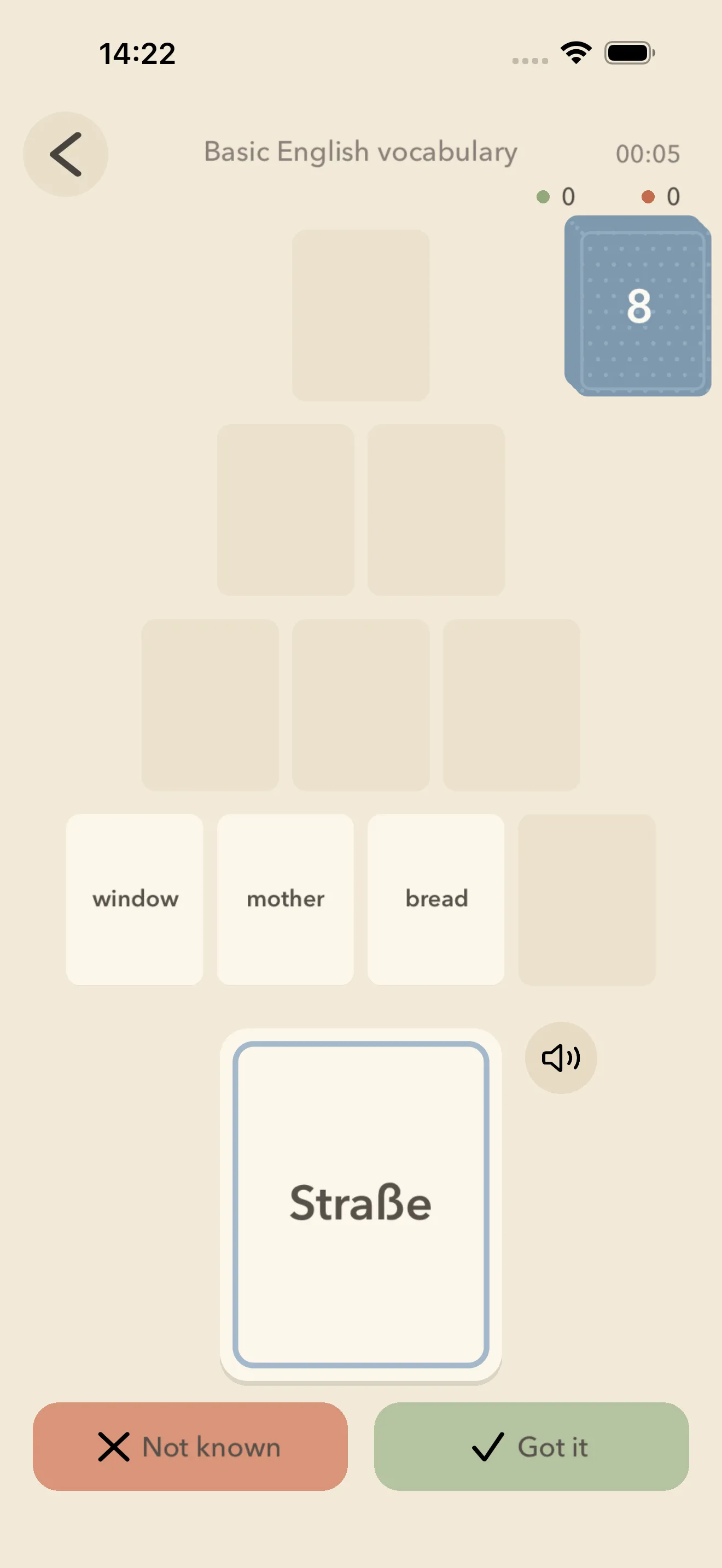
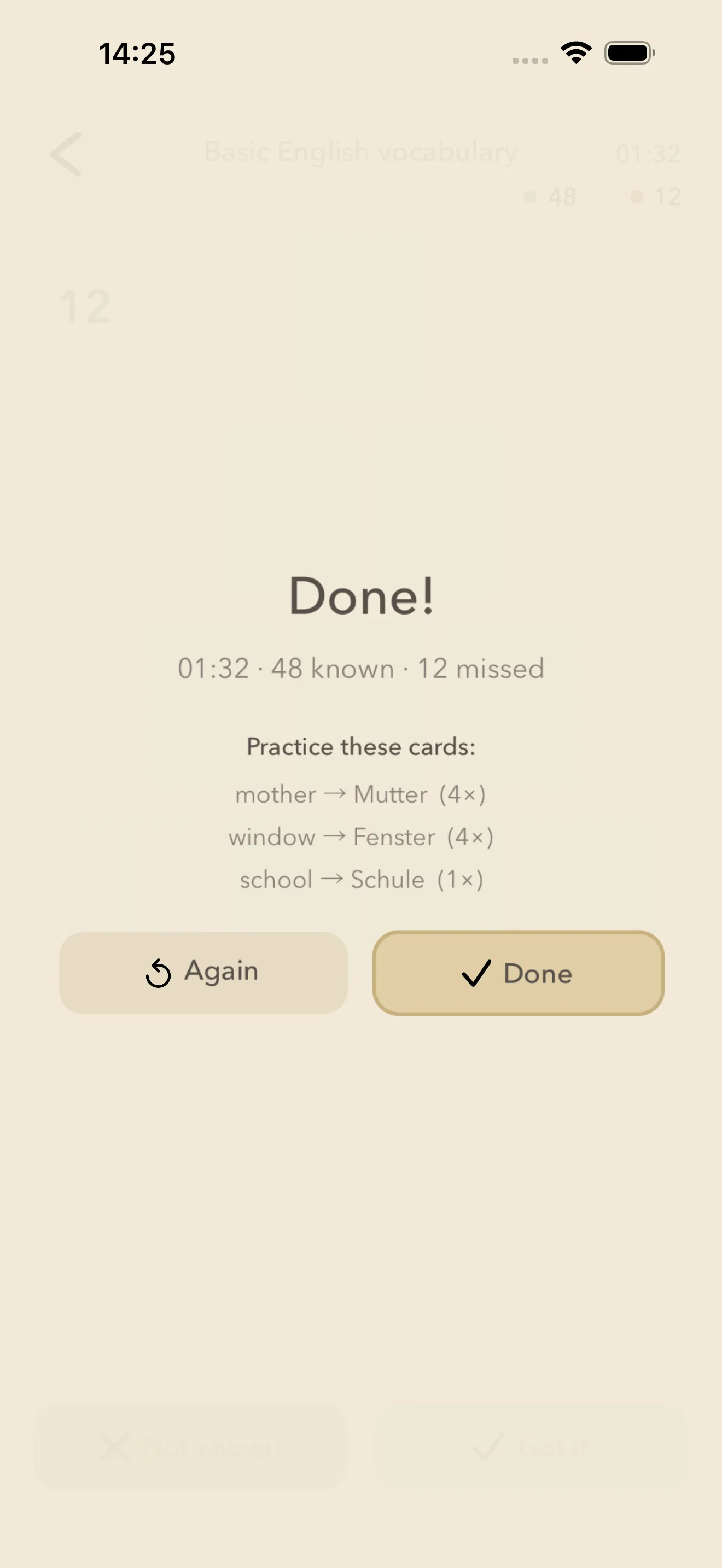
Pyramind puts the learning pyramid into practice: your cards travel across a stone pyramid with four rows. After each card you rate yourself — cards you knew climb one row, cards you didn’t slip back down. A round is complete once every card has passed the top.
The method comes from the analogue card game “Lernpyramide” (also known as Lernpatience) by Miranda Jehle — playful vocabulary and fact learning built on the principle of spaced repetition.
Text, image, formula (LaTeX), or audio — every card face shows exactly what fits the material.
Cards can display phonetic transcription — perfect for practising pronunciation in language classes.
No algorithm decides for you: after each card, you choose “Knew it” or “Didn’t know” yourself.
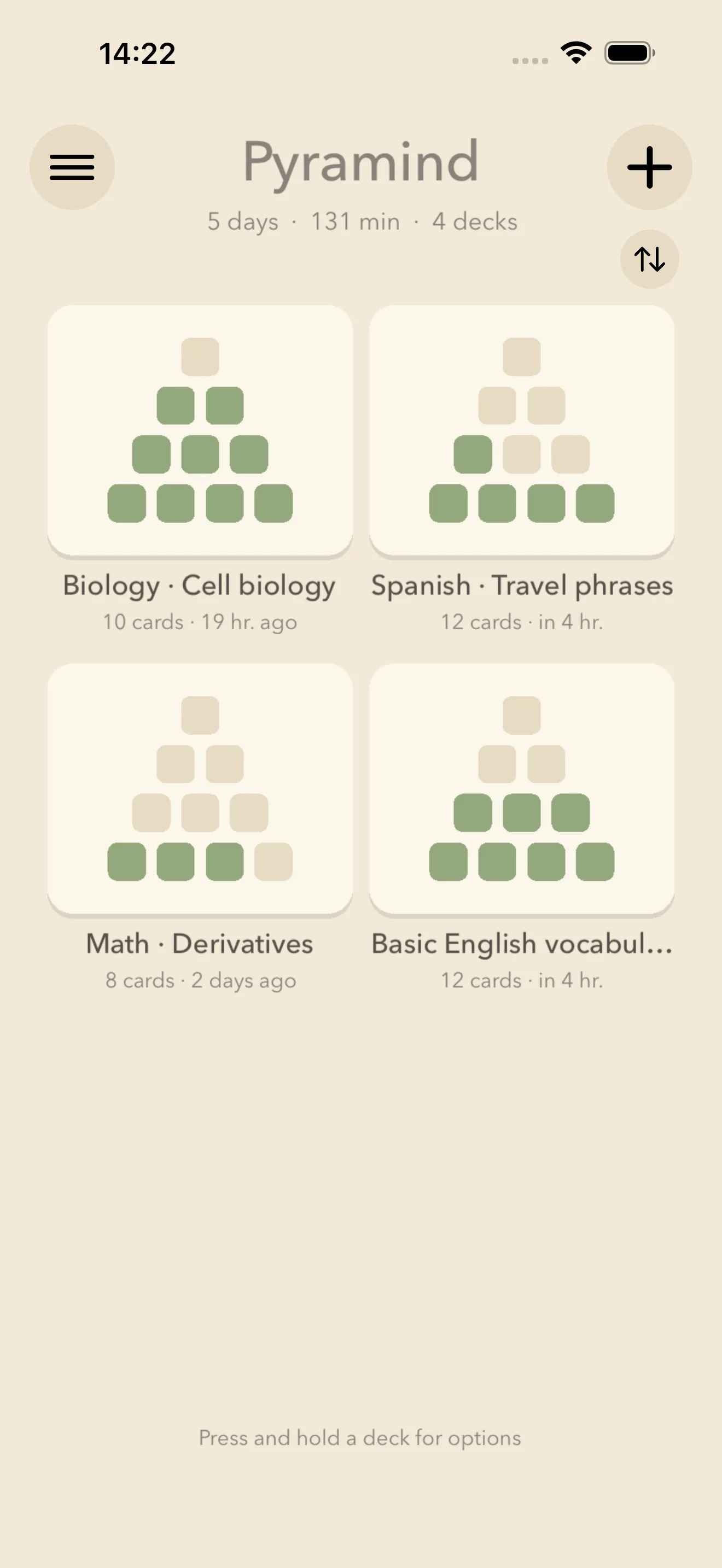
The pyramid on every deck shows at a glance how far your cards have climbed.
Export and import decks as .pyrmd files — for family, study groups, or therapy sessions.
Pyramind works without an internet connection. Everything stays on your device.
An upgrade for everyone who wants more — and for the whole family.
One-time purchase — no subscription.